
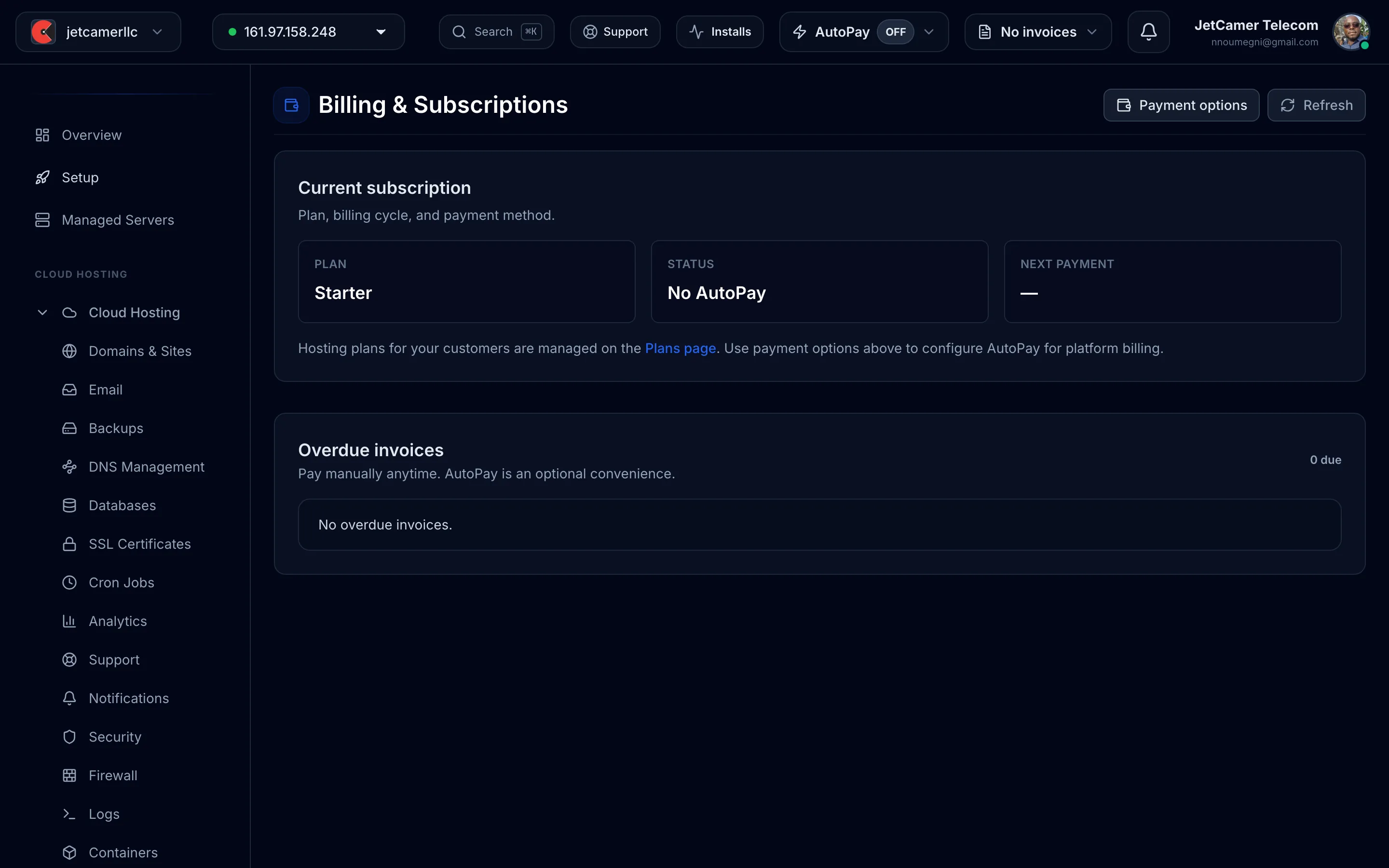
Billing & cashflow management
Keep revenue organized. Create invoices and subscriptions, take payments with JetPay, monitor cashflow, and stay on top of what every customer owes—without jumping between Stripe, spreadsheets, and email.
Run your billing without a second tool
Most hosting and SaaS businesses juggle Stripe, a spreadsheet, and email to keep track of who has paid and who has not. MesDoh Cloud brings invoices, subscriptions, payments, and cashflow into the same panel where you already manage servers, domains, and customers.
When a customer owes money, you know it. When a subscription renews, it just happens. When you need to see what is coming in next month, one screen answers it. Billing stops being a separate project and becomes part of your daily operations.
What it does for your business
Invoices without spreadsheets
Create professional invoices, attach them to customers, and send payment links. Every invoice tracks its own status, so nothing falls through the cracks.
Subscriptions that renew themselves
Set up recurring plans and let billing run on schedule. Pause, upgrade, or cancel from the dashboard—no back-end fiddling required.
Cashflow at a glance
See what is due, paid, and overdue across every customer. Know your monthly recurring revenue and spot slow payers before they become a problem.
Payments with JetPay checkout
Customers pay through a modern checkout experience that works with the platform’s billing stack. Payment status flows back into invoices automatically.
How it works
- Create an invoice or a recurring subscription for a customer.
- Share the payment link or let the subscription renew on schedule.
- Track status—paid, pending, overdue—from the billing screen.
- Watch cashflow across all customers and plans in one view.
Who uses it
Hosting providers
Bill customers for hosting plans, domains, and add-ons with subscriptions that renew automatically.
Resellers & agencies
Manage billing for many customers under one roof and keep every account’s payment status visible.
Growing businesses
Replace ad-hoc invoicing with structured billing and get a clear picture of recurring revenue.
Part of one platform
Billing connects to the customers you manage in IAM, the plans you assign, and the services you sell. Because it lives in the same panel, the people who owe you money are the same people whose servers and sites you already manage.
Billing questions, answered
Yes. Create invoices directly from the dashboard, add line items, attach them to customer accounts, and share a payment link. Customers pay with JetPay checkout and the invoice updates automatically.
Yes. Create subscription plans that bill automatically on a schedule (monthly, quarterly, yearly). You can pause, upgrade, or cancel a subscription from the dashboard at any time.
The cashflow view shows what is due, what is paid, and what is overdue across every customer and subscription. You see exactly what money is coming in and when, so you can plan ahead instead of guessing.
JetPay checkout powers card payments and is designed to work with the platform’s billing stack. Invoices and subscriptions also integrate with the underlying billing SCRUD so balances stay in sync.
No. Any organization can use it—whether you are hosting customers, selling services, or just want invoices and subscriptions for your own business under one roof.
Related Pages
- → cPanel Alternative: Modern Hosting Control Panel
- → Enterprise Hosting Control Panel
- → Container Hosting Platform
- → Ops Copilot
- → Marketplace & Stack Forge
- → Reseller Platform
- → Modern Webmail for Business Email
- → Website Builder & Site Editing
- → SSL Certificate Issuance
- → Multi-Provider Cloud Storage
- → Domain Name Registration
- → Plans & Pricing