
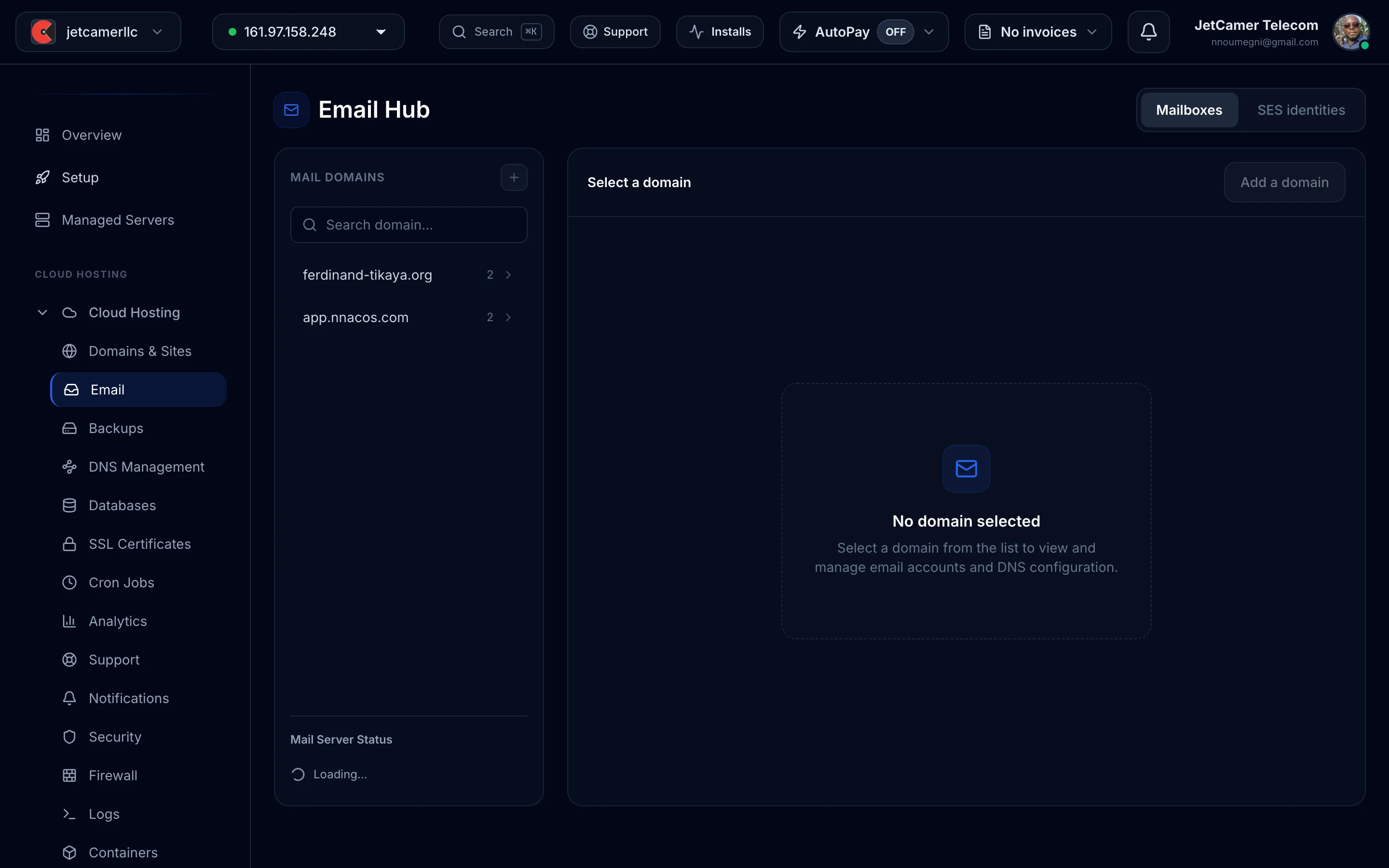
Modern webmail for businesses
Professional email on your own domain, with a fast modern webmail client, shared calendars and contacts, and reliable delivery. Set up mailboxes in minutes and manage everything from the same panel.
Professional email your business can be proud of
Sending from gmail.com makes your business look small. With MesDoh Cloud, every team member gets a professional address on your own domain, checked through a fast modern webmail client or any email app they already use.
Mailboxes are created in minutes from the dashboard. Deliverability is protected with proper DNS authentication, and your team gets calendar and contacts built in—no separate subscription required.
Why businesses switch to it
Your own domain, every mailbox
Give every employee a professional address on your domain. Customers instantly see a serious, established business.
Modern webmail in the browser
Fast, clean webmail for mail, calendar, and contacts—no software to install, works from any device.
Deliverability you can trust
SPF and DKIM authentication keeps your mail out of spam and protects your sender reputation.
Managed from the same panel
Create mailboxes, reset passwords, and manage mail next to your domains, sites, and servers.
How it works
- Add or connect your domain in the dashboard.
- Create mailboxes for your team in a few clicks.
- Point the DNS records (MX, SPF, DKIM) with the guided setup.
- Start sending from your own domain—in webmail or any IMAP/SMTP app.
Who uses it
Small businesses
Look professional with domain email while keeping costs predictable.
Hosting providers
Offer business email to customers and manage every mailbox from one panel.
Growing teams
Give every member a consistent @yourdomain address with shared calendar and contacts.
Part of one platform
Email works hand-in-hand with your domains, DNS, and hosting. Register a domain, point it at your site, and give your team email on the same domain—all from one account.
Business email questions, answered
Yes. Create mailboxes on your own domain (for example name@yourcompany.com), set up the DNS records, and send and receive mail professionally.
Every mailbox works with a modern webmail client in the browser, and with any email app that supports IMAP and SMTP—Outlook, Apple Mail, Gmail, Thunderbird, and more.
Mail is built on a dedicated mail stack with proper DNS authentication (SPF, DKIM) so your messages land in inboxes instead of spam folders.
Yes. Create as many mailboxes as your plan allows, and manage passwords and access from the same dashboard you use for hosting.
The webmail experience includes calendar and contacts so your team can work together without paying extra for separate productivity tools.
Related Pages
- → cPanel Alternative: Modern Hosting Control Panel
- → Enterprise Hosting Control Panel
- → Container Hosting Platform
- → Ops Copilot
- → Marketplace & Stack Forge
- → Reseller Platform
- → Billing & Cashflow Management
- → Website Builder & Site Editing
- → SSL Certificate Issuance
- → Multi-Provider Cloud Storage
- → Domain Name Registration
- → Plans & Pricing