
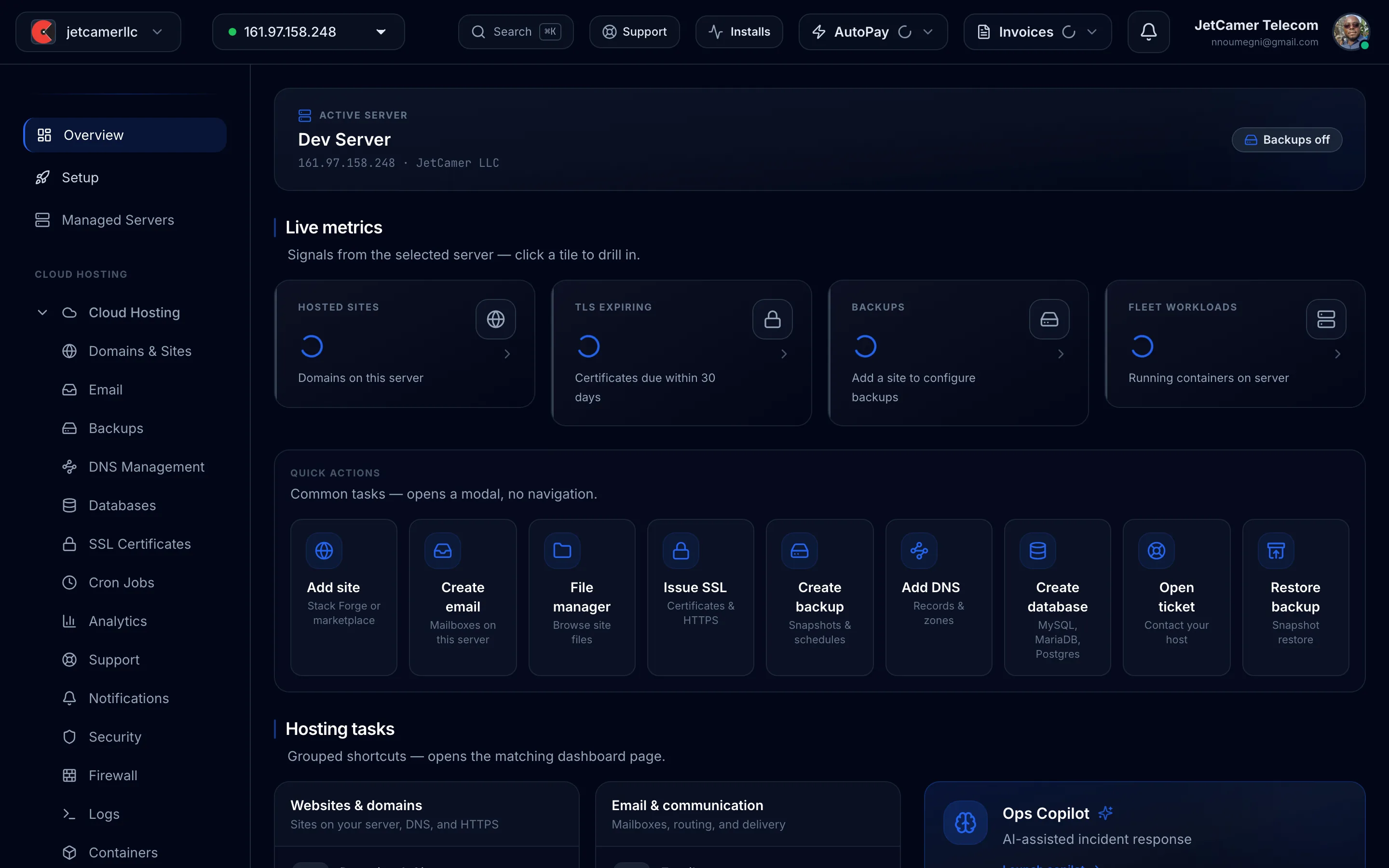
How to migrate from cPanel to MesDoh Cloud
Moving your hosting does not have to be stressful. This guide walks you through everything step by step—from planning to going live—so your websites and email keep working throughout.
Migration overview
Migrating from cPanel to MesDoh Cloud is a clear, well-defined process with minimal downtime. This guide takes you through each step, from your initial planning to the final switch-over.
Most migrations take a few days depending on what you run. Many customers move during off-peak hours to avoid any impact on their visitors or users.
Before you start
What to prepare
- ✓ Make a list of all your domains and subdomains
- ✓ Note every database and what it is used for
- ✓ Record your email accounts and their settings
- ✓ Take a full backup of your website files and databases
- ✓ Write down your SSL certificates and when they expire
- ✓ List the applications you use and their versions
The migration steps
Step 1: Review what you have
Take stock of everything you run today—websites, databases, email accounts, and any custom setups. Knowing what you have makes the move clean and complete.
Step 2: Prepare your new environment
Set up your MesDoh Cloud account and prepare the space for your websites and email. Create the accounts you need and get ready for the data to arrive.
Step 3: Move your data
Transfer your website files, databases, and email to MesDoh Cloud. Automated tools handle the heavy lifting, and our team can guide you through anything manual.
Step 4: Test everything
Check that your websites load, email sends and receives, and databases work correctly before you switch anything over. It is far easier to fix issues before cutover.
Step 5: Switch over
Point your domains to MesDoh Cloud and go live. We monitor the transition with you so any question is answered quickly while your new setup takes over.
Set up your email
Get your business email working on MesDoh Cloud:
- Connect your preferred email provider
- Set up your sending domains
- Verify your addresses and domains
- Point your email clients to the new settings
- Send and receive a test message
Move your DNS settings
Point your domain to the right place:
- Export your current DNS records from cPanel
- Recreate the records in MesDoh Cloud
- Check that every record was copied correctly
- Update nameservers if needed
Secure your sites with SSL
Make sure every site has HTTPS:
- Let MesDoh Cloud request a free SSL certificate automatically
- Or import an existing certificate
- Turn on SSL for every domain
- Check that the certificates are valid
Test before you switch
Confirm everything works on the new setup:
- Visit every website and application
- Send and receive email
- Check database connections
- Verify SSL certificates
- Confirm your domain resolves correctly
Make the switch
Point your traffic to the new setup:
- Update your DNS records to point to MesDoh Cloud
- Wait for DNS to update everywhere
- Confirm every service is reachable
- Watch for any issues in the first hours
Final check
Confirm everything is working after the switch:
- All websites load correctly
- Databases are working
- Email sends and receives
- SSL certificates are valid
- No errors are showing in the logs
We help you move
Need a hand? Our team can support you with:
- Planning and reviewing what you have
- Helping move your data
- Configuring your new setup
- Testing and verification
- Support during the switch-over