
Run Modern Applications Without Managing the Plumbing
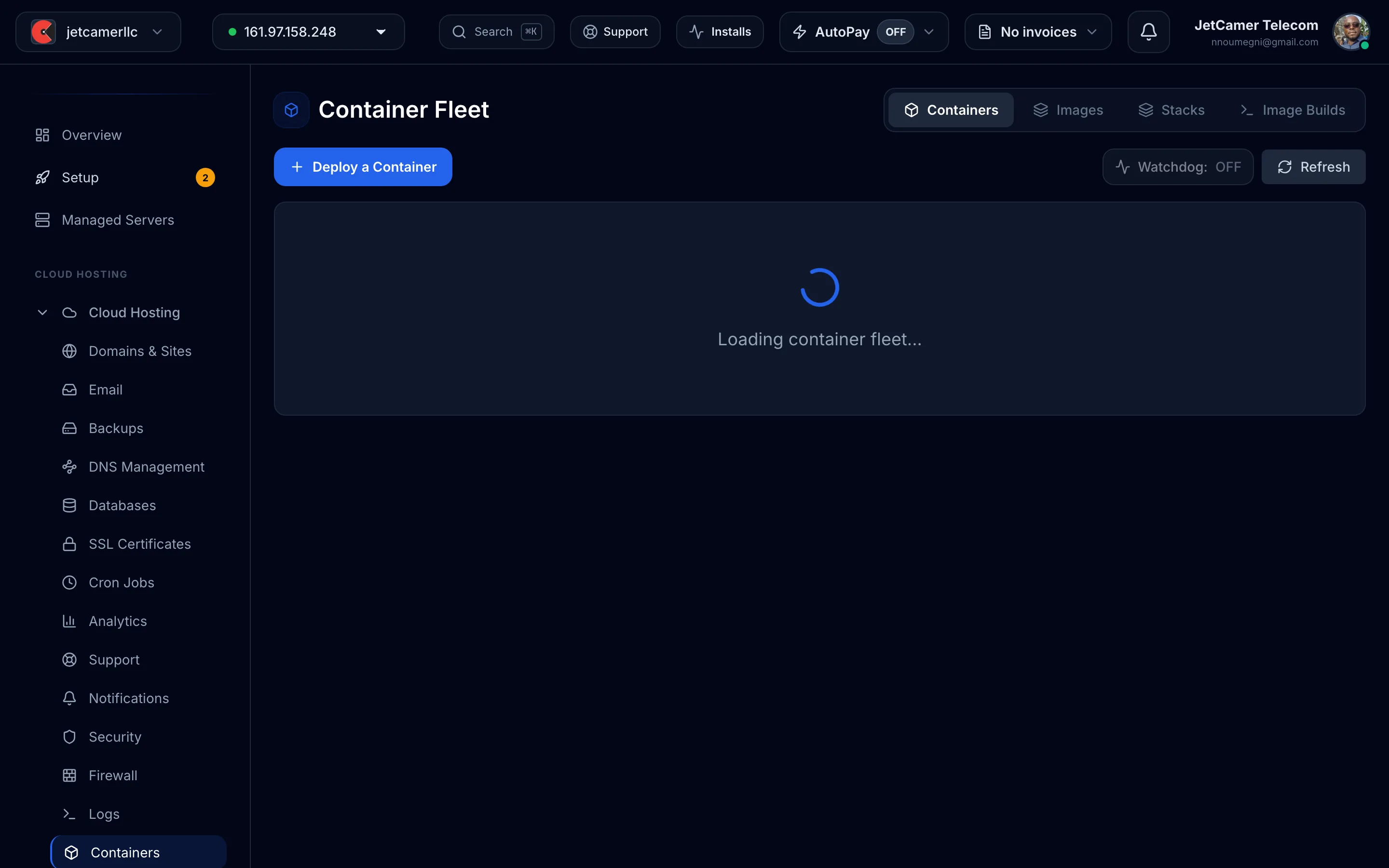
Containers let you run applications reliably—but the tools to manage them are usually complicated. MesDoh Cloud makes container hosting approachable: deploy from Git or a ready-made template, manage everything from a clear dashboard, and let the platform keep your apps healthy.
Container Hosting Without the Headache
Works With Standard Containers
Use Docker and Podman images from any registry—Docker Hub, your own repository, or a private registry. If an app is packaged as a container, you can run it here.
Secure by Default
Containers run in an isolated, secure runtime that protects your apps and your server from each other. The platform handles the security details for you.
Apps Stay Online Automatically
When an app crashes or a server restarts, the platform brings it back automatically. No Kubernetes, no complicated orchestration concepts—just reliable apps.
Connected to Your Website, Domains, and SSL
Give your app a domain with automatic HTTPS, or keep it private and connect it to your other services. Networking is configured for you, not by you.
Deploy Straight From Your Code
Connect a Git repository and let the platform build and start your application. Push code and your app updates automatically—no build servers or deploy scripts to maintain.
See What Your Apps Are Doing
Live health checks, resource usage, logs, and performance charts for every container. Spot a memory leak or a slow response before your users do.
Why Run Containers With MesDoh Cloud?
No Kubernetes to Learn
Deploy and manage containers with simple, friendly controls. You get the reliability of modern application hosting without needing to understand clusters, pods, and service meshes.
Simple for You, Powerful for Your Apps
A clean dashboard for everyday management, with the reliability features your apps need in production: automatic restarts, health checks, and resource controls.
Next to Everything Else You Run
Your containers live in the same dashboard as your websites, domains, email, databases, and SSL. One place for your whole digital presence, not a separate platform to learn.
No Hidden Infrastructure Bills
Run containers on a standard server you already have—no separate cluster costs, no dedicated orchestrator nodes. Pay for your server, not for the plumbing around it.
From Code to Live in Four Steps
- Choose Your Source: Choose Your Source: Pick a ready-made app, point to a container image, or connect a Git repository. Everything you need to get started is one click away.
- Configure Your App: Configure Your App: Set the resources your app needs and add environment settings. The defaults work for most applications.
- Launch: Launch: Start your app with one click. The platform handles the setup, keeps it healthy, and restarts it if anything goes wrong.
- Monitor: Monitor: Watch live health, logs, and resource usage. Update your app from Git or change settings whenever you need to—from the dashboard or an API.
What Can You Run?
Web Applications & Frameworks
Run Next.js, Node.js, Python, Go, or any web app as a container. Connect a domain with automatic HTTPS and manage it next to your other sites.
Modern App Architectures
Run several connected services that work together, with the platform handling their communication. Ideal for teams building modern application architectures without running their own orchestration.
Background Jobs & Workers
Run queue processors, schedulers, and background tasks in containers with automatic restarts—so a crashed worker never silently stops your business logic.
Quick Answers to Your Container Hosting Questions
Container hosting is a way to run applications in isolated, portable environments that include everything the app needs. You don't need to install dependencies on a server directly. MesDoh Cloud makes this easy by managing the containers for you from a simple dashboard.
No. You can deploy ready-made applications and connect Git repositories without writing configuration files or understanding container internals. Technical users can go as deep as they like—the platform supports standard containers and registries.
Yes. Connect a Git repository and the platform will build and deploy your application automatically. Push new code and your app updates itself.
The platform detects the failure and restarts your application automatically. You can also see health status and logs in real time to understand what happened.
Unlike platforms that charge extra for orchestration clusters, you run containers on your own server at no additional platform cost. You pay for the server you use, and that's it.
Related Pages
- → cPanel Alternative: Modern Hosting Control Panel
- → Enterprise Hosting Control Panel
- → Ops Copilot
- → Marketplace & Stack Forge
- → Reseller Platform
- → Billing & Cashflow Management
- → Modern Webmail for Business Email
- → Website Builder & Site Editing
- → SSL Certificate Issuance
- → Multi-Provider Cloud Storage
- → Domain Name Registration
- → Plans & Pricing